Made for the way creatives work
Four ways people use Amae to get from a spark of inspiration to finished work.
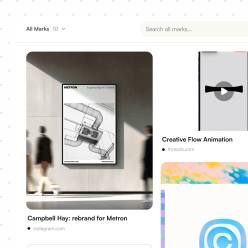
Build moodboards that remember where everything came from
Save references from any site, Instagram or your phone the moment they catch your eye, and keep them sorted by project instead of lost in screenshots.
- Save pages, images and posts from Chrome or the iOS share sheet
- Browse a project as a moodboard, a grid or a list
- Find a reference again by what is in the image, not just its title
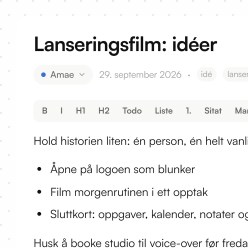
Write with your sources right next to you
Collect articles and quotes with their source intact, then pull them straight into the note you are writing.
- Embed Marks and Tasks inside a Note, where the idea is
- Record a thought out loud and get a transcript and summary back
- Search across notes, transcripts and saved articles at once
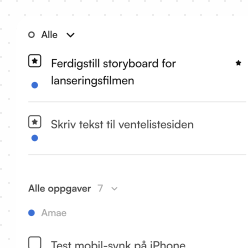
Keep every client project in one place
Give each client a project that holds the brief, the references and the to-dos, so nothing lives in five different apps.
- Keep a short focus list for today and the rest sorted by project
- Break work down with subtasks and run a timer while you do it
- Turn suggested tasks from your notes into real ones with one click
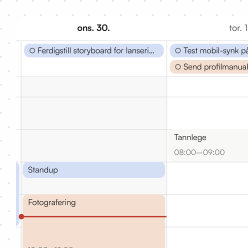
Plan content around the week you actually have
Save the posts and Reels that inspire you, shape ideas in notes, and schedule the work next to the rest of your calendar.
- Save Instagram posts and Reels with their images and video
- See your Google and subscribed calendars next to your tasks
- Get a reminder on your phone when something is due today